Key takeaways
- Voice AI implementation delivers instant call answering, eliminates missed leads, reduces staffing costs, and operates 24/7 without human intervention or overtime expenses.
- Voice AI software works by transcribing calls, understanding intent, generating responses with an LLM, speaking them back naturally, and triggering actions in your systems.
- Voice AI can answer FAQs, book appointments, qualify leads, process payments, and escalate to humans with full context.
- Implementation involves choosing a platform, connecting your phone number, training the AI on your business information, and testing.
- You need your website URL, a phone number, and optional integrations with calendar, CRM, and payment systems.
Missed calls cost businesses money. Every unanswered phone call is a customer who moves to the next company on Google.
Voice AI answers instantly, books appointments in real time, and qualifies leads while the caller is on the line. Implementation is faster than most businesses expect, and the cost savings show up immediately.
Why should you implement Voice AI software?
Your phone rings throughout the day. You answer the ones you can. The rest go to voicemail, and most callers don't leave a message. They move on to the next business. That's revenue walking out the door because you were on another call with a customer or closed for the day.
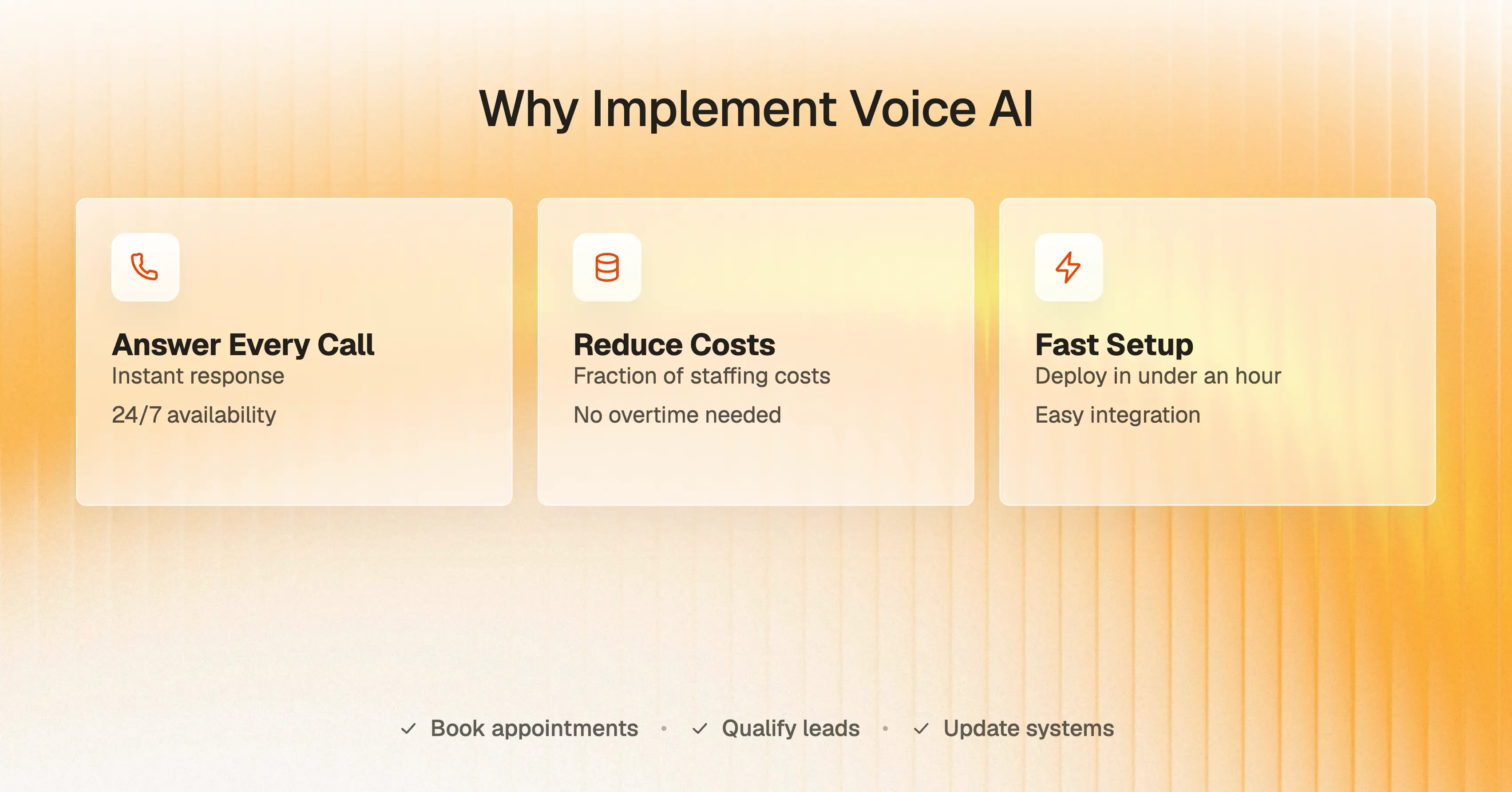
Voice AI software answers every call the second it comes in. It books the appointment, takes the payment, qualifies the lead, and updates your CRM before the caller hangs up. The ROI shows up in two places: the revenue you stop losing and the costs you stop paying.
The cost of missed calls
A missed call is a lost sale. You paid for that lead through ads, SEO, or referrals, and then you let it ring out. The caller doesn't wait; they call another company instead. Your marketing budget generated the lead. Your competitor closed it.
Phone calls are your highest-intent leads. BIA/Kelsey research shows that 66% of small businesses rate phone calls as a good or excellent source of leads, higher than online forms, in-person visits, or email. When a caller can't reach you, you're not losing a form submission. You're losing your best lead.
The cost isn't just the immediate sale. It's the lifetime value of a customer who never became yours. That's repeat business, referrals, and upsells that go to whoever picked up first.
What voice AI saves you
Voice AI cuts two costs at once: the revenue leak from missed calls and the labor cost of answering them.
A human receptionist works 40 hours a week. Voice AI works 168 hours a week. Phonely customers report up to 80% lower operational costs compared to staffing for the same call volume, while answering 100% of calls instead of a fraction.
The median receptionist salary is $37,230 annually, according to the Bureau of Labor Statistics. Voice AI eliminates that recurring cost entirely while delivering better coverage. AI-powered customer service systems deliver up to 8× ROI, returning an average of $3.50 for every $1 invested.
The ROI compounds when you factor in speed. Voice AI booking systems confirm appointments in real time, meaning the caller locks in the slot before they hang up. That eliminates the back-and-forth texting, the no-shows from people who forgot they inquired, and the hours your team spends playing phone tag.
What does voice AI software do?
Voice AI software handles three things human receptionists can't: it answers every call instantly, works around the clock, and scales without hiring.
Answers calls 24/7
Your business closes at 5 PM. Customer urgency doesn't. Voice AI answers calls at 9 PM on Saturday the same way it answers at 2 PM on Tuesday. No voicemail. No "we'll call you back Monday." The caller gets help immediately, and you get the booking.
After-hours calls aren't leftovers. They're often your highest-intent leads. The person calling at 8 PM with a broken water heater isn't browsing. They're buying from whoever picks up. With 24/7 service, you never lose a customer. 90% of customers expect an immediate response when they have a question. Voice AI delivers that instantly."
Books appointments and qualifies leads
Voice AI doesn't just answer questions. It takes action while the call is still ongoing. It checks your calendar, books the slot, sends confirmation, and logs everything in your CRM before the call ends.
The caller hangs up with a confirmed appointment. The AI handles the entire transaction, from "when are you available" to "you're booked for Tuesday at 10 AM."
Lead qualification works the same way. The AI asks the right questions, determines if the caller is a fit, and either books them directly or routes qualified leads to your sales team with full context.
Routes urgent calls to you
Voice AI knows when to hand off. You define the rules. Emergency repairs go straight through. General questions get handled by the AI. Qualified leads get routed to sales with a summary of what the caller needs.
The AI doesn't guess. It follows your call routing logic and escalates based on keywords, intent, or caller response. When a call reaches you, you already know who's calling and why. Customers expect responses within 2 minutes, and voice AI books appointments in real time.
How to start implementing voice AI
88% of organizations use AI in at least one business function. Implementing voice AI software takes less time than onboarding a new employee. Most businesses are live within minutes.
Step 1: Choose your platform
Platform selection determines what your AI can actually do. Some platforms only answer FAQs. Others book appointments, process payments, and integrate with your CRM in real time. You need to know what matters before you evaluate.
Test the demo number and listen for natural responses without scripted trees. Confirm it connects to your calendar, CRM, and payment systems. Check if you can customize responses without hiring developers. Most platforms offer free trials. Make real calls before committing.
Step 2: Connect your phone number
Your platform learns about your business from your website, and your phone number is how customers reach you. Get both set up first.
Update your website if it's outdated. Then choose your phone approach: port your existing number, use a new one, or forward calls to test first. Most businesses test with after-hours calls before switching their main line.
Step 3: Train the AI and set up integrations
Training the AI on your business and connecting it to your tools is what makes it actually work. It needs access to your calendar and CRM so it can complete transactions while callers are still speaking.
Add your pricing, service areas, and booking rules. Define which calls go to you and which the AI handles. Most integrations are native or use Zapier. This takes 15-30 minutes total.
Step 4: Test before going live
Testing catches problems before they affect real customers. Call your number, book an appointment, and try edge cases by requesting services you don't offer. Check that appointments sync to your calendar. Once everything works, turn it on.
Step 5: Execution
Activate the AI on your live line. Route your main phone number through the platform. The system is now live and answering calls. Your team will see every call come through with transcripts and summaries in real time. Emergency calls route directly to you based on your rules. Everything else the AI handles.
The first calls will come in immediately. Listen to how the AI performs. Listen to how the AI handles real callers and pause to adjust if anything misfires. Make sure payments are processed. If something isn't working, pause and adjust before continuing.
Once you've confirmed the core functions are working, the AI runs continuously. You monitor, refine, and scale from there.
Getting Started with Voice AI Implementation
Phonely doesn't just answer your phone, it becomes your front desk. It deploys AI voice agents that greet, assist, and route callers just like a human, only faster and without missed calls. Every call is recorded, transcribed, and analyzed, giving you actionable insights instead of lost context.
Phonely can handle FAQs like business hours and pricing, schedule appointments by integrating with your calendar, route calls to the right department, process customer requests like cancellations and rescheduling, and even make outbound calls for reminders and follow-ups. The Phonely AI agent speaks over 100 languages, integrates seamlessly with your business software to handle calls, bookings, payments, and CRM updates directly from the call.
The implementation is frictionless. You set up Phonely quickly using a simple no-code dashboard, train the AI with your company's data, like your website, and it uses smart technology to understand callers and respond in a human-like way while connecting to your existing tools to automate tasks.
For small businesses where every call counts, Phonely ensures none go unanswered, day or night. It delivers the kind of front desk, once limited to large enterprises, at a cost that makes sense for a new company.