Phonely’s Voice AI Product Info Template for eCommerce
Who is this template for?
This template is perfect for eCommerce businesses aiming to automate and enhance customer interactions over the phone. With Phonely’s AI, you can instantly provide detailed product information, answer customer questions accurately, and seamlessly direct callers to your online store via SMS. Ideal for businesses seeking to boost sales, minimize customer wait times, and significantly reduce labor costs, all while delivering exceptional and consistent customer experiences.
How this template works
Phonely's eCommerce integration gives businesses the ability to provide product information effortlessly, answering caller questions promptly and accurately any time, day or night. With the help of Phonely's AI, callers can quickly get product details over the phone, have their questions expertly answered, and seamlessly receive a direct link to your eCommerce store via SMS. This means potential customers won't miss a beat between being informed and making a purchase.
Using Phonely AI, you can reduce the resources typically needed for product support calls, minimizing labor costs while increasing sales opportunities. Phonely handles high volumes of calls with virtually zero wait time, ensuring each caller feels valued and promptly assisted. Better yet, the platform offers up to 200 free minutes per month and includes a dedicated phone number, so you can implement this advanced AI solution without any initial investment.
Continue reading to discover exactly how Phonely’s eCommerce product information template works and how you can easily customize it for the unique needs of your online business.
Step by Step breakdown
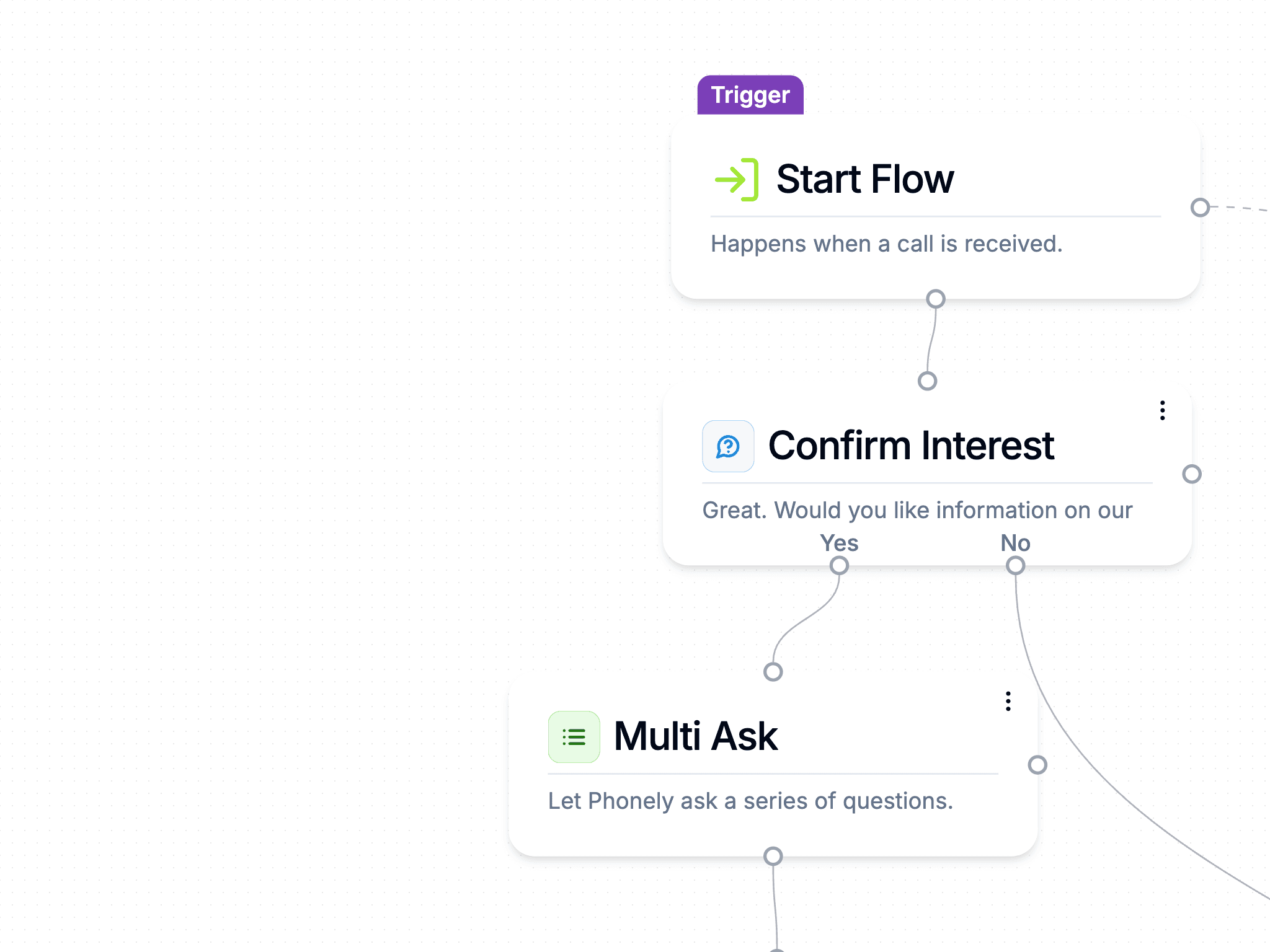
- Greet Caller Professionally – Phonely’s AI immediately answers calls with a professional, human-like greeting, providing a positive and welcoming customer experience. The AI identifies the caller, quickly assists with product inquiries, and skillfully provides relevant product information.
- Determine Product Interest – The AI concierge engages the caller by briefly introducing the range of products or categories you offer and promptly asks for clarification on specific product interests or categories they're curious about.
- Provide Insights & Answer Questions – Leveraging your comprehensive product information database, the AI delivers detailed, accurate responses, addressing any specific details or clarifications your customers might have regarding your products.
- Offer Direct Store Link via SMS – If a caller wants further information or prefers browsing independently, the AI politely asks if they'd like to receive a direct link to your eCommerce store via SMS. Once confirmed, the link is sent instantly.
- Confirm Customer Satisfaction – The AI finishes off by confirming that the customer's questions have been addressed and ensures they've had a helpful experience with your business.
- Polite Call Closure – Lastly, the AI wraps up the call professionally, leaving a lasting positive impression about your brand.
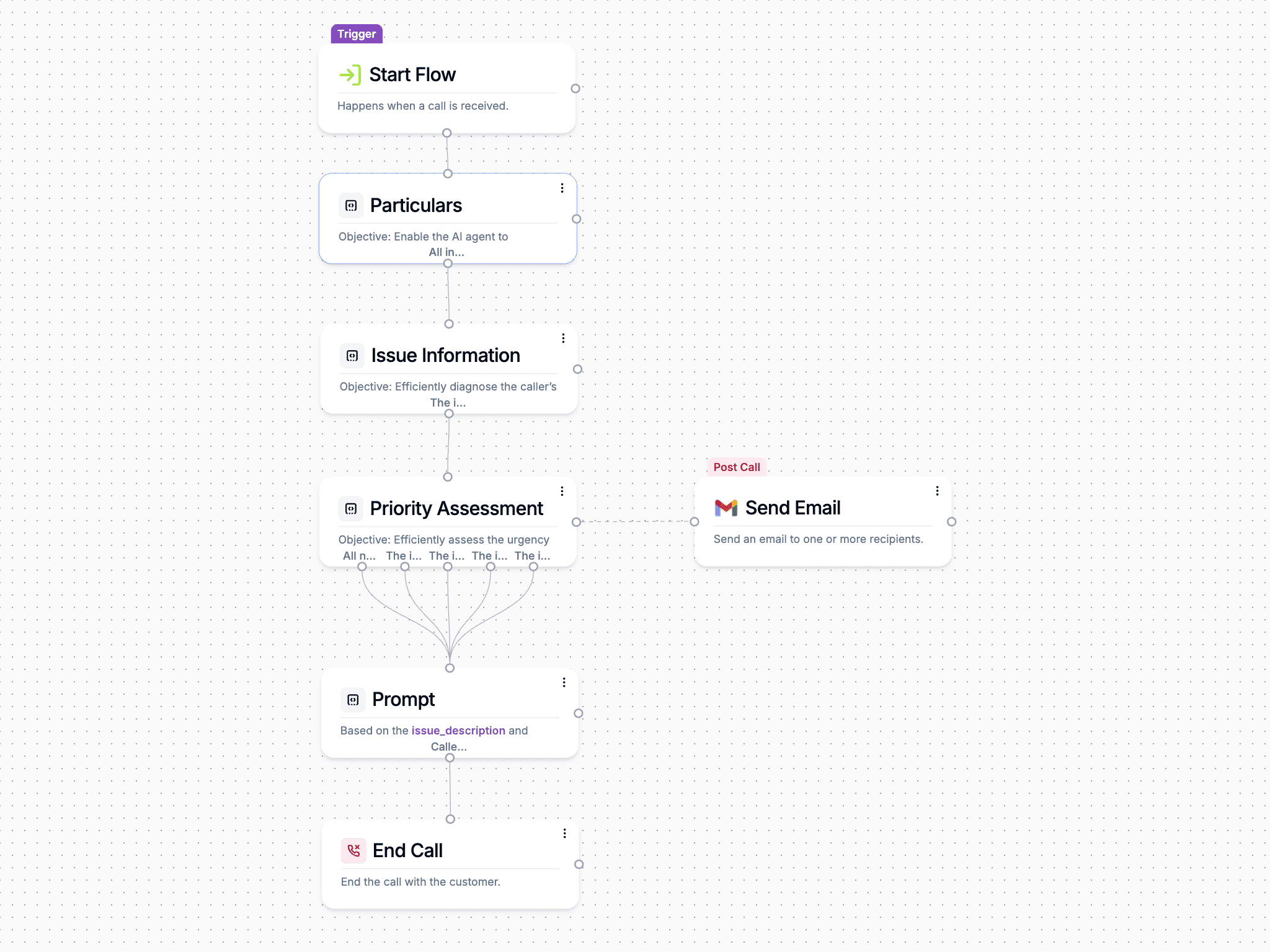
- Records, Transcribes, and Summarizes Conversation – Phonely automatically stores a detailed recording of each call and provides a concise AI-generated summary and actionable insights related to customer sentiment, essential topics discussed, product-specific interests, and important follow-up actions. Businesses can review interactions in Phonely’s dedicated dashboard anytime.
- Customer Notifications – The customer receives an immediate text message linking directly to your online store, making it effortless to review, learn more, and buy your products right from their mobile device.
- Internal Notifications & Follow-up – Phonely sends a detailed email notification to internal sales or customer support teams with the entire interaction transcript, key discussion points, sentiment analysis, specific product interests, unanswered customer questions, and recommended follow-up actions, ensuring no sales opportunities go unnoticed.
How to customize Phonely for your business
By integrating directly with scheduling tools, knowledge bases, CRMs, and messaging systems, Phonely can answer customer questions, book appointments, send follow-ups, and even transfer calls to the right person without missing a step. Whether your business needs AI to handle complex inquiries, process transactions, or manage high call volumes, customization ensures that every conversation is efficient, natural, and tailored to your business. Keep reading to learn how to customize Phonely.
Create an account and customize your business
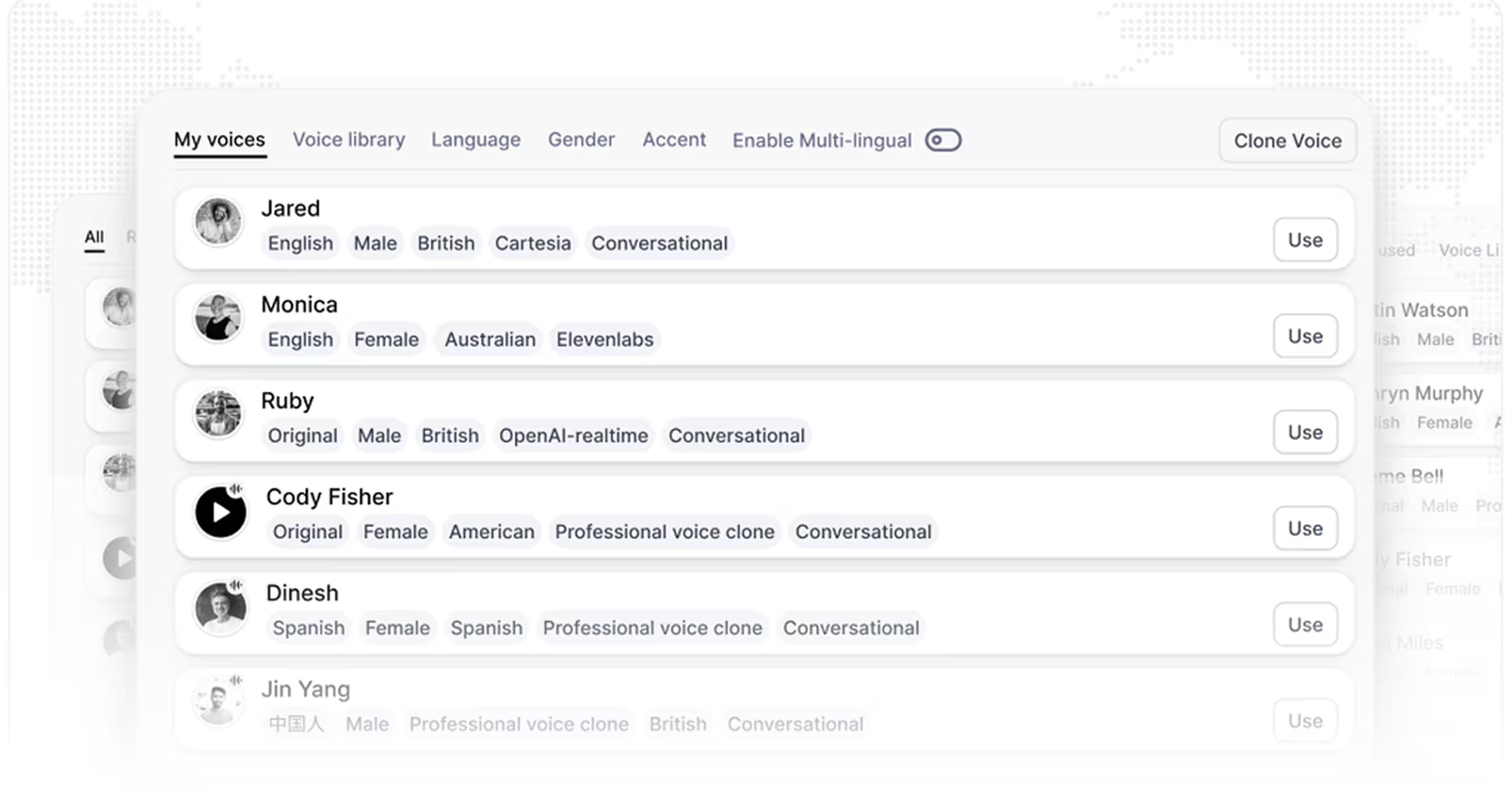
During setup, you’ll go through a few key steps to customize your AI, including selecting call handling preferences and linking any essential tools. Once configured, your AI agent is ready to take calls, answer customer inquiries, and follow your business workflows no technical expertise required.
Connect your business knowledge
If you have a knowledge base or internal documentation, Phonely can integrate with that too, giving your AI access to specific policies, processes, and answers tailored to your business.
.avif)
Add call flows to your agent
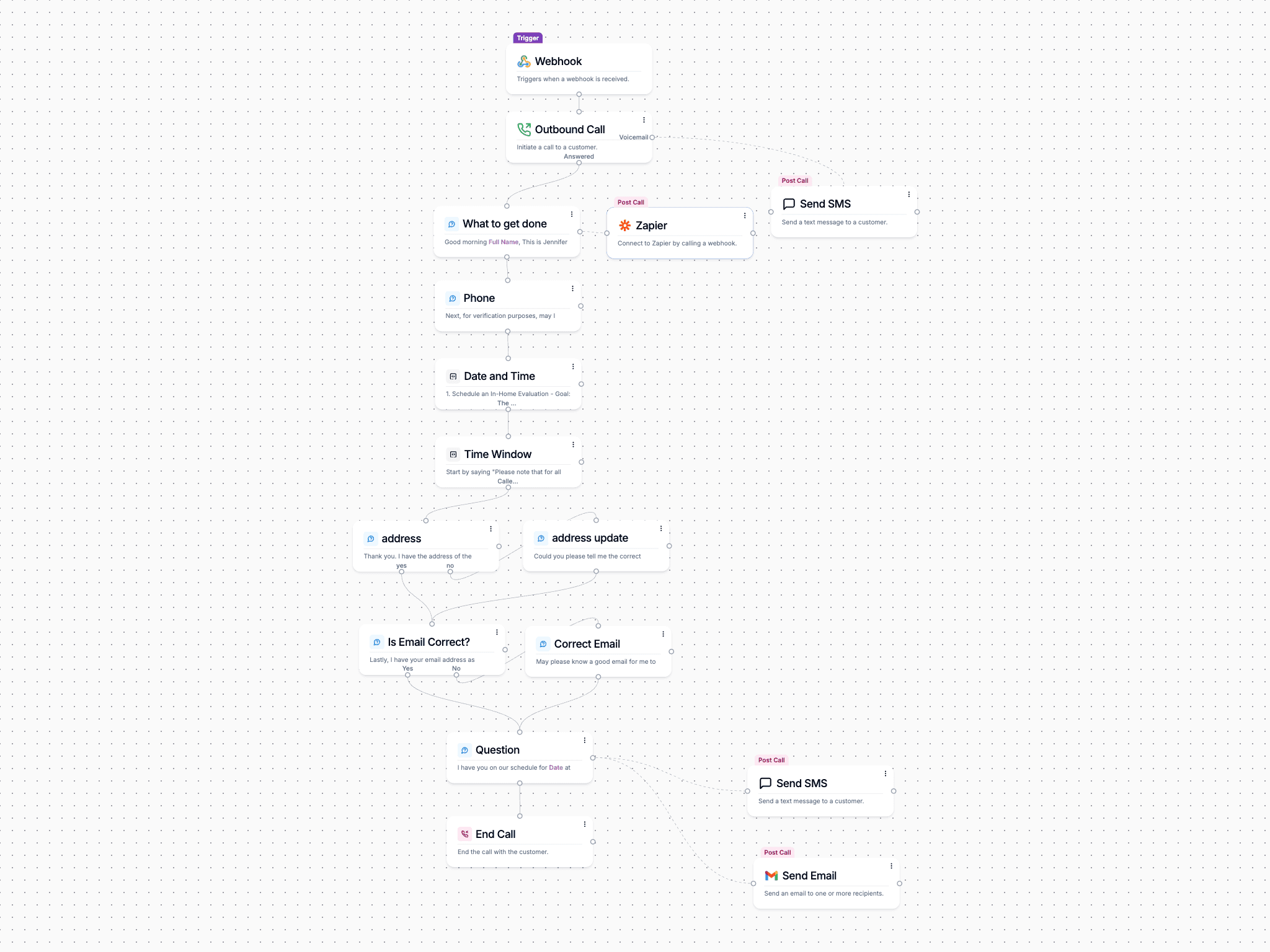
You can create call flows from scratch, import them from a template, or even have AI generate them for you using a recording or an existing call script. This flexibility ensures your AI agent adapts to your business needs while providing a structured and efficient experience for every caller.

View and analyze your AI Calls
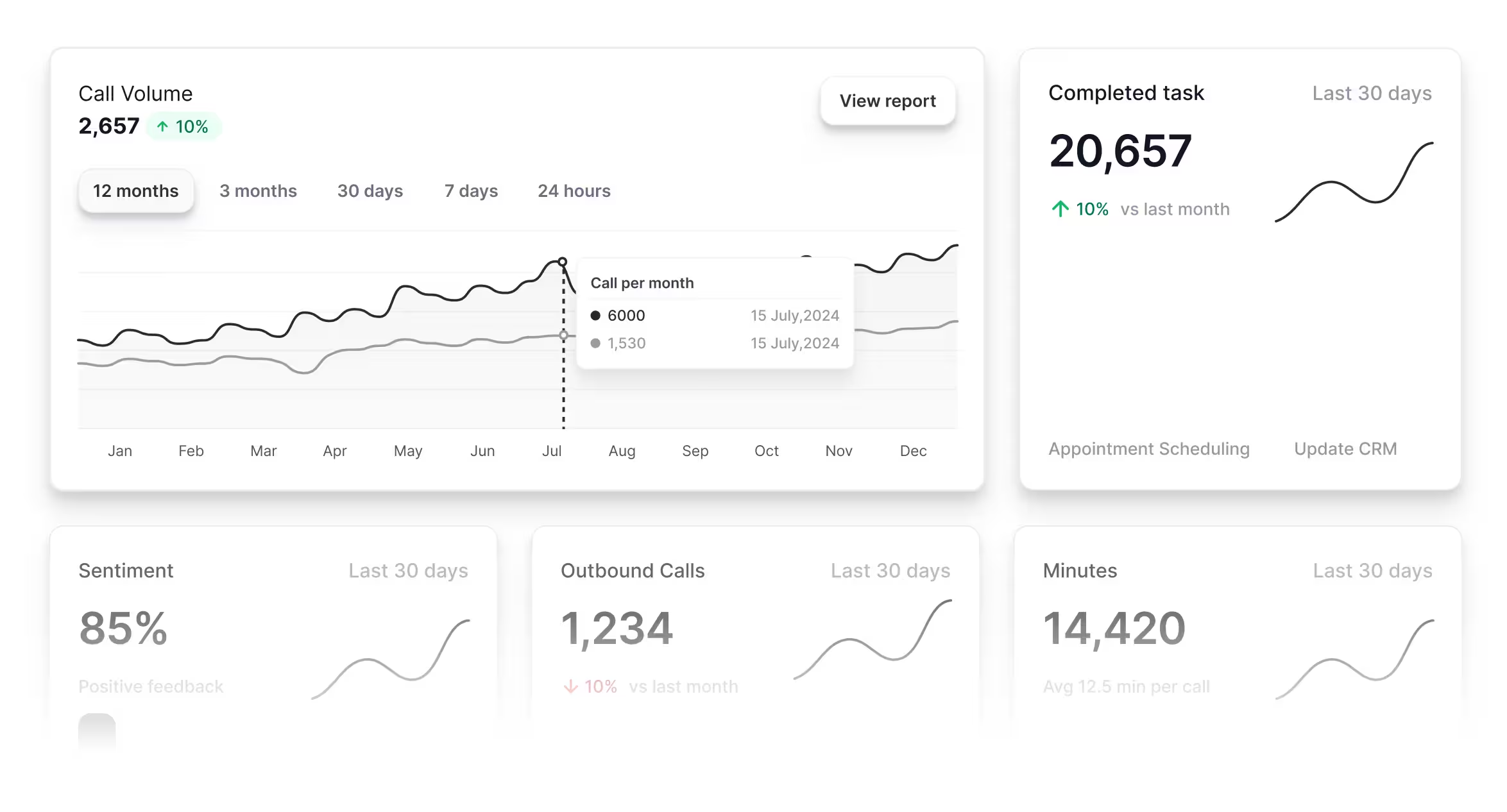
Beyond reviewing past calls, Phonely helps you improve performance over time. You can see where callers are hanging up or getting stuck, test different approaches with A/B testing, and fine-tune your call flows based on real data. With these insights, you can continuously enhance your AI agent’s effectiveness and ensure every call delivers the best experience possible.

Etech Global Services







Looking for enterprise features?
- Dedicated Infrastructure & Provisioned Capacity – Scale effortlessly with high availability and 99.999% uptime.
- Advanced Security & Compliance – SOC2 Type II, HIPAA, and PCI DSS compliance for full data protection.
- Custom AI Development – Work directly with our team to build AI agents tailored to your business workflows.
- Priority Support & White-Glove Service – Get hands-on assistance with onboarding, monitoring, and ongoing optimizations.
FAQ
Phonely AI is an AI-powered phone answering system that answers calls on behalf of your business. It can:
- Answer calls and engage in natural conversations with customers.
- Handle FAQs like business hours, pricing, and services.
- Schedule appointments by integrating with your calendar.
- Route calls to the right department or live agents.
- Process customer requests such as cancellations, rescheduling, or account lookups.
- Make outbound calls for reminders, follow-ups, and surveys. Unlike traditional IVR systems (press 1 for sales, press 2 for support), Phonely understands full sentences and can handle open-ended questions.
Phonely’s eCommerce template streamlines customer inquiries by:
- Answering calls 24/7 with a professional greeting.
- Identifying customer product interests and providing accurate details.
- Sending SMS links to your online store for a seamless shopping experience.
- Logging conversations, transcribing inquiries, and notifying your team with in-depth summaries.
- Ensuring customers receive quick, informative responses without needing human intervention.
Yes! If a caller needs more details or wants to explore further, Phonely will ask if they’d like to receive a direct link via SMS. Once confirmed, an instant text message is sent, allowing them to access your store right away. This eliminates extra steps and makes purchasing effortless.
Phonely helps increase conversions by:
- Providing immediate, accurate product answers, reducing customer hesitation.
- Eliminating wait times, ensuring callers stay engaged.
- Sending direct links to your store, shortening the buying process.
- Capturing customer interest and notifying your sales team for potential follow-ups. By offering a smooth, AI-driven customer experience, Phonely keeps buyers interested and ready to purchase.
Yes! Phonely can manage unlimited simultaneous calls, ensuring no potential buyer is left waiting. Whether you receive one call or one hundred, Phonely handles them all efficiently.
Absolutely. Every call is transcribed and summarized with key insights, including:
- Customer sentiment and specific product interests.
- Unanswered questions that may need follow-up.
- A full transcript stored in your Phonely dashboard for review.
- Additionally, your team will receive email notifications with vital conversation details to track leads effectively.
Yes! You can:
- Add custom product FAQs tailored to your inventory.
- Adjust how Phonely introduces your product range.
- Modify the AI’s tone to match your brand voice.
- Set up custom routing or escalation rules for complex inquiries.
Yes, Phonely integrates with systems like Shopify, WooCommerce, Salesforce, HubSpot, and more. If there's no direct integration, webhooks allow seamless compatibility with your existing tools.
Phonely offers 200 free minutes per month so you can try it risk-free. After that, pricing is competitively structured based on your needs. Learn more at Phonely.ai/pricing
Getting started is easy! Sign up at https://phonely.ai , set up your AI-powered phone assistant, and start answering calls with intelligent automation.